Meta pixel

[UPDATE — AUGUST 2026] Logic Articulations Commander (LACO) : Logic Pro's best new friend

Logic Pro articulations & CC automation at your fingertips

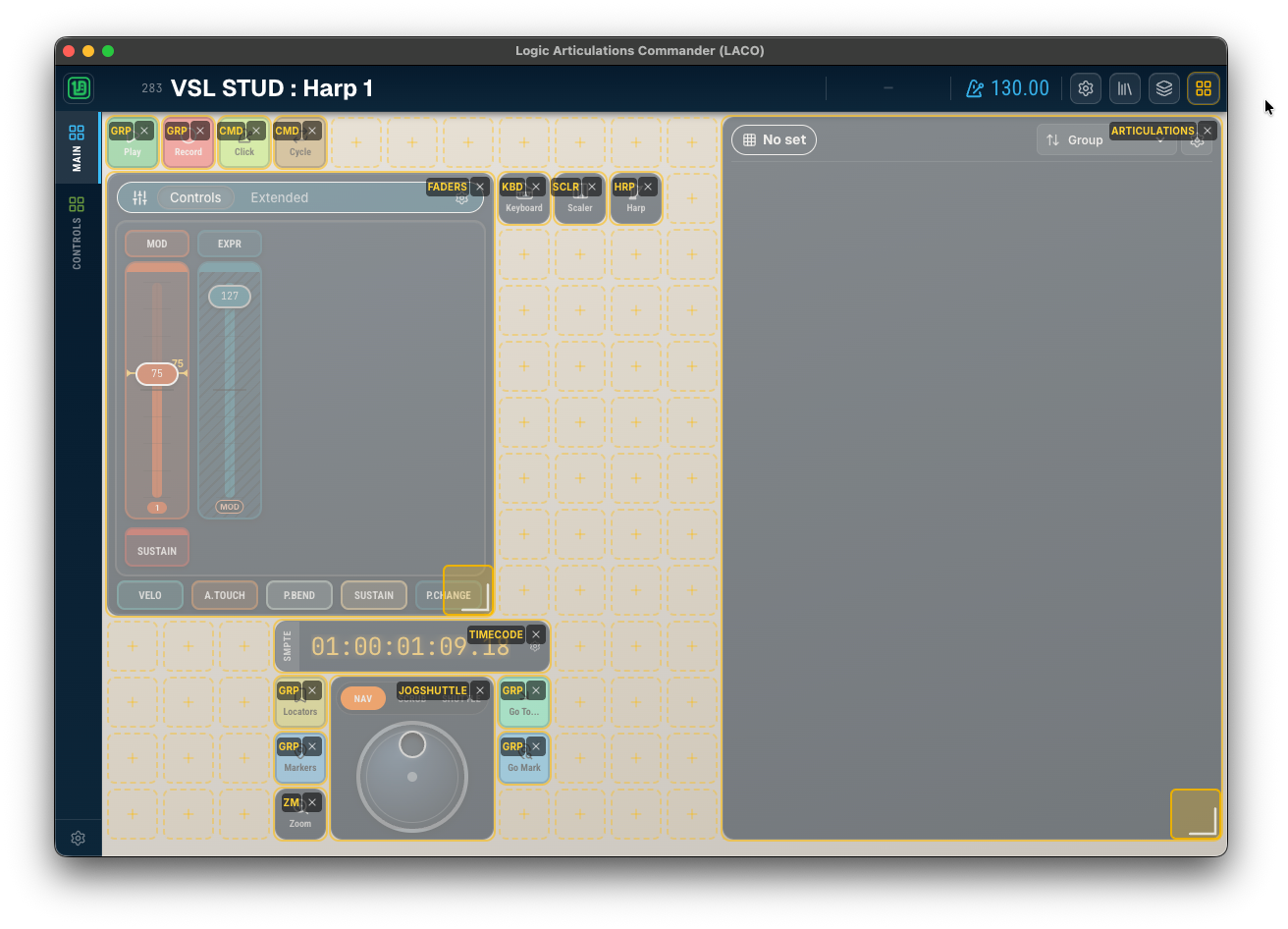
A fully modular touch control surface: mix and match widgets for articulations, faders, transport, navigation, and more — no code required.

DISCLAIMER : Ongoing project, final functionalities & design may change during development
Features

Controlling Logic Pro has never been so easy. And fun.

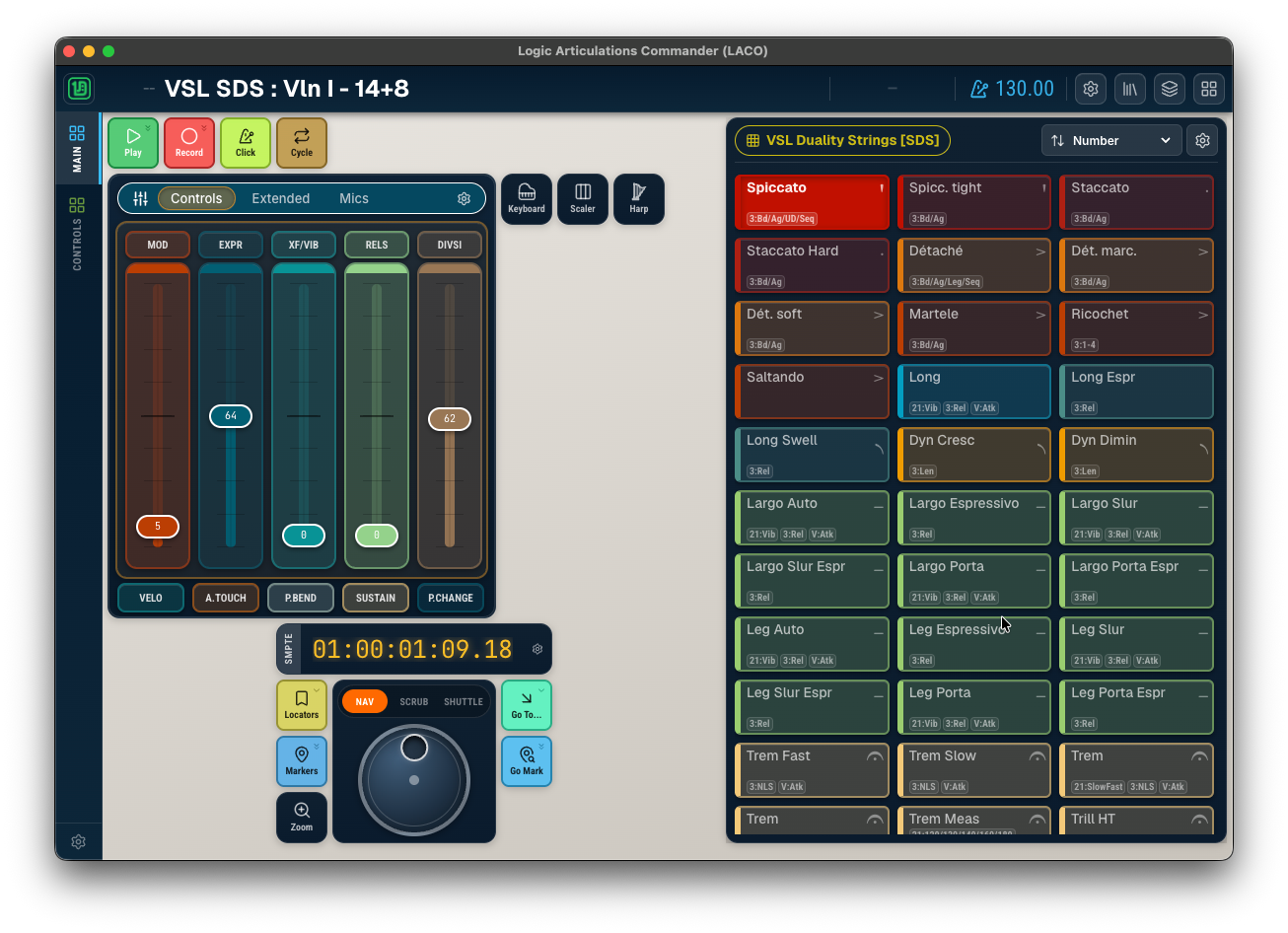
Select a track and ...

  • See the track number, full name
  • Access to all articulations
  • Faders configuration per library
  • Trigger your favorite shortcuts

Design your own tool

  • Grid based widget positioning
  • All editable directly on your device or your computer
  • Create panels as pages of widgets
  • Supports multiple devices with adapted resolution

A wealth of widgets

  • Control your tracks: articulations, CC faders
  • Control your DAW: shortcuts, transports
  • Chord detection with inversions & notations (jazz, classical)
  • 100% on device editing, no computer required
  • And many many more, see below

Too many devices

  • Browser based: use any device in your network
  • Adapts to device resolution
  • Auto detect Logic Pro status
  • Supports MCU protocol

Project status

  • This project is ongoing, in development stage, est. release Q4 2026
  • Highly optimized on resources
  • Please fill the form below to get notified of progress

Widgets

A modular kit: build the control surface you actually need.

Create as many panels are you want and place your widgets on a fit grid. The only limit is your fingers.
Articulations

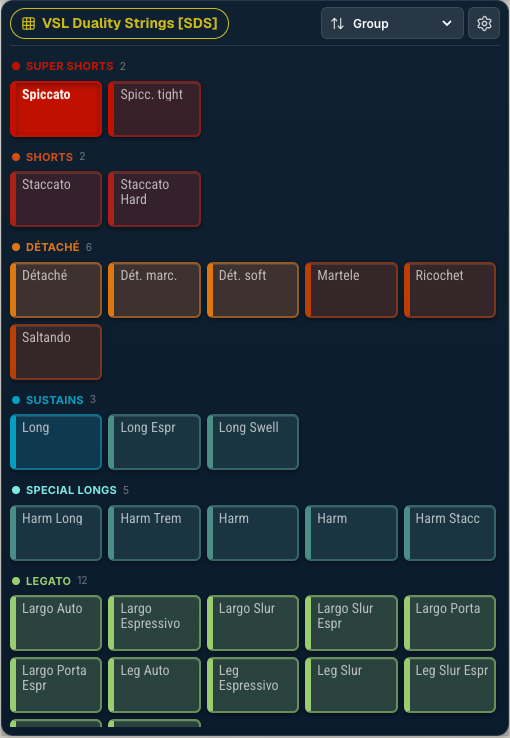
Articulations

  • Auto-retrieved from Logic Pro
  • Customize sets, colours, name
  • Fully resizable, with normal and compact mode
  • Group by symbol or your own groups
  • Follows your note selection in Logic
  • Support momentary & latch mode
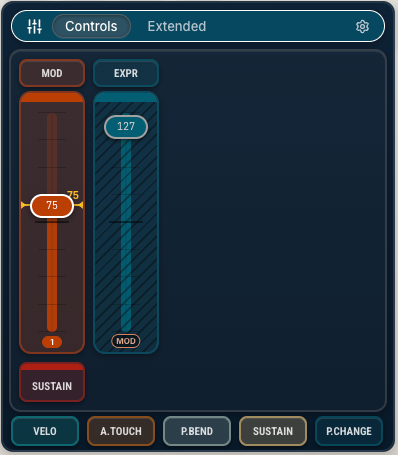
Faders widget showing MOD and EXPR CC faders

Faders

  • Adjustable length, pick 1/2/3/5 faders
  • Track pattern based or fixed, up to 3 groups
  • Set a reference and optional bounce back
  • Bounce back modes: linear, eased, bouncing, BPM or time based
  • Tap to select automation lane in Logic
  • Link faders with response curve
  • Design your virtual faderbox: sets, CCs, behaviour, colours
  • Fader tracking from external Midi messages
  • Supports also CC buttons
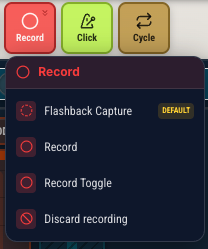
Buttons with Play, Record, Click, and Cycle buttons

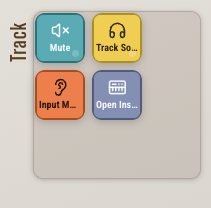
Command groups

  • Create freely groups of commands
  • Expand on tap, or trigger default command (expand with long press)
  • Personalize at your will: content, colour, icon
  • Mix and match any available commands

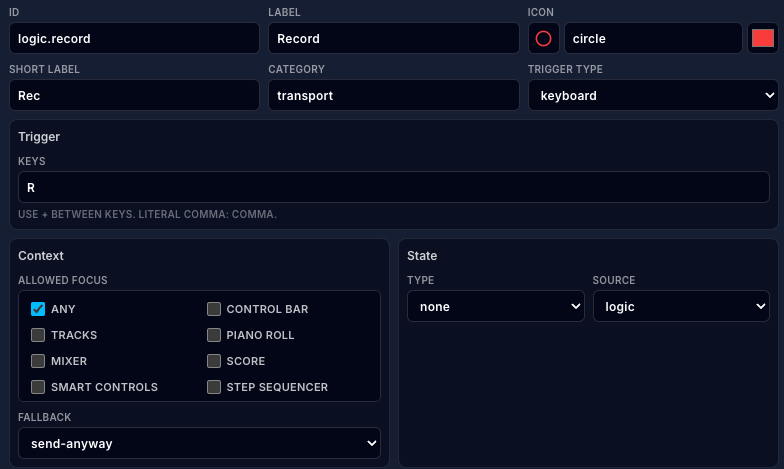
Commands

  • Simple button or stateful toggle
  • Send Logic Pro shortcut or MCU message
  • Shipped with most shortcuts & MCU support
  • Create your own commands: shortcut/message, icon, label
  • Active window context-based activation
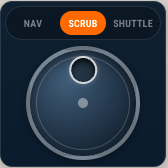
Jog/shuttle control

Jog/Shuttle

  • Real jog/shuttle wheel with realistic behaviour
  • Supports Jog, Shuttle and Scrub modes
  • Comes in 2 sizes
  • Supports MCU protocol
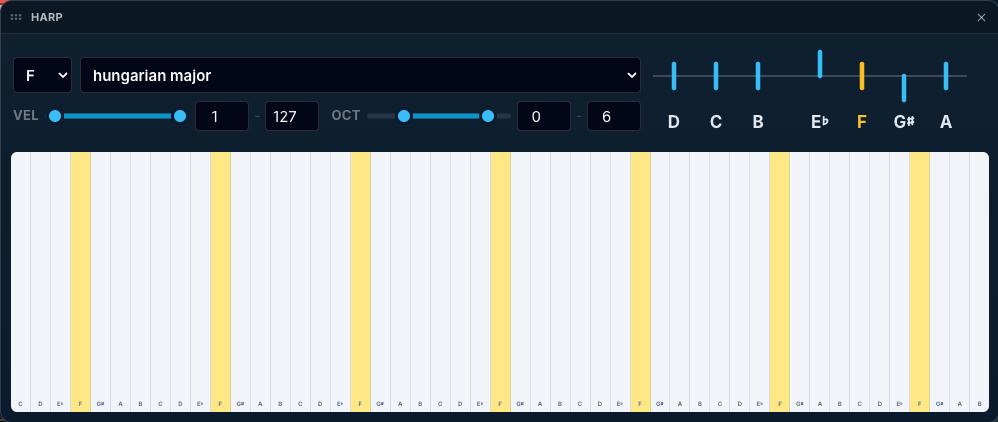
Harp widget showing a scale-locked strummable key range

Harp

  • Simulate realistic harp playing
  • Pick a root note and scale and see pedals adjust
  • Real orchestral harp pedaling
  • Supports velocity
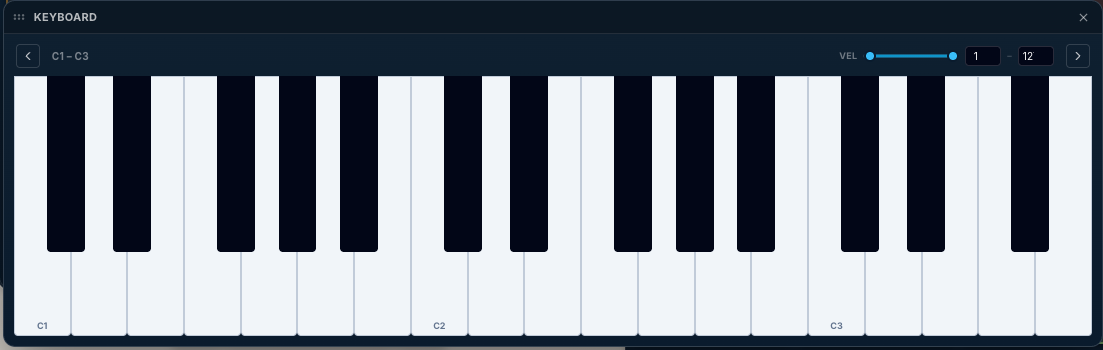
Keyboard widget showing a full on-screen playable keyboard

Keyboard

  • Full on-screen keyboard with velocity control
  • Pick a range or browse octaves
  • Define velocity range
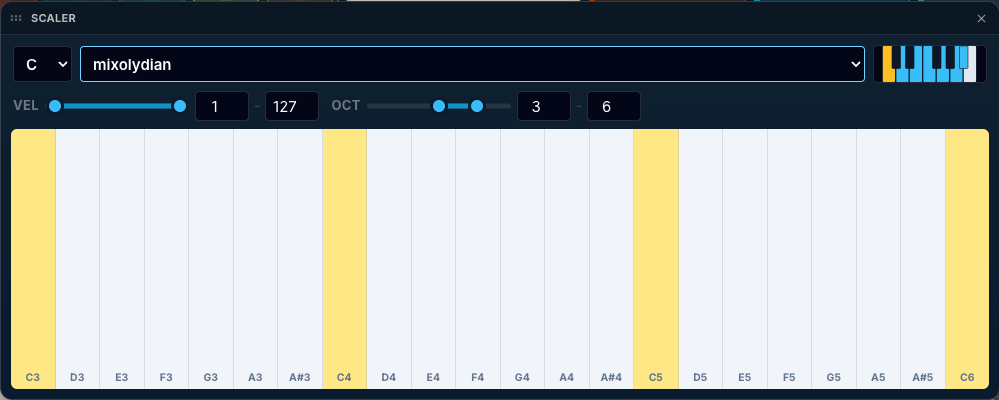
Scaler widget showing key, mode, and octave range controls

Scaler

  • Pick a root note and a scale among dozens
  • Or edit your own scale
  • Support velocity (from vertical position)
  • Define octaves and velocity range
  • No better way to learn scales
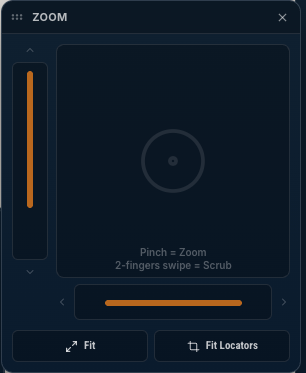
Zoom widget showing a vertical zoom fader with Fit shortcuts

Zoom

  • Sliders for smooth progressive zoom operations
  • Flying widget: put it anywhere, other widget are still reachable
  • Auto Zoom command

Timecode

  • SMPTE and Bars/Beats display
  • Configurable SMPTE offset
  • Large, glanceable readout
In development

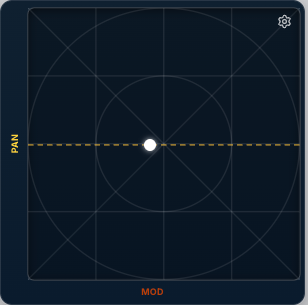
XY Pad

  • Control two CC lanes at once from a single pad
  • Settable reference point
  • Bounce-back movement on release
In development

Missing one?

  • Reach out by filling the form
  • Explain your need
  • Guaranteed response

Availability

Estimated release date

No price table yet: this is not a product at this stage. The current target is a first release in Q4 2026.

LACO is not endorsed by Apple nor by any editor whose library appears on illustrations.
Q4 2026

Project updates

Follow LACO progress.

Subscribe to receive occasional updates about the LACO project.

See the initial project

Below is the first project made with Open Stage Control & Keyboard Maestro automation. LACO gets lots of its root in this first project.